
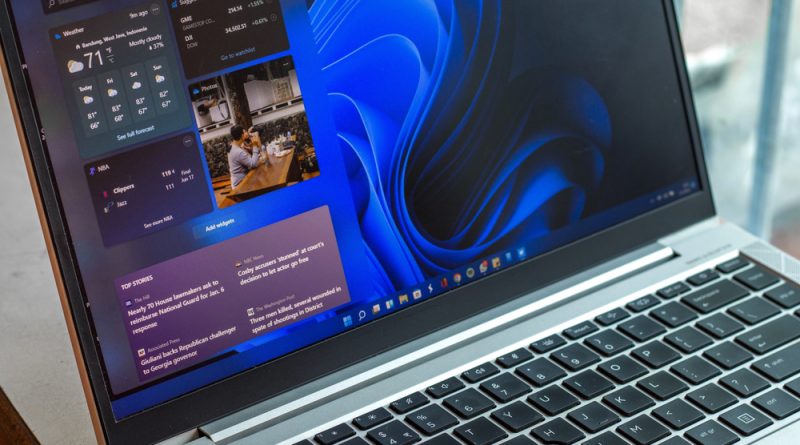
Microsoft pushes deeper Copilot integration into Windows 11, with voice trigger, file actions, and new guardrails
Microsoft is moving more of Windows 11’s daily workflow into Copilot, adding voice activation, screen understanding, and file level actions that reach beyond individual apps. The company says all features are intended for standard Windows 11 PCs, not only Copilot Plus devices, and will flow through Windows Insider testing before any broad release.
Voice first Copilot arrives
A new “Hey, Copilot” wake word will let users summon the assistant by voice. The Copilot key and Windows plus C shortcut will also launch it. Saying “goodbye” will dismiss it. Microsoft is positioning this as a fresh take on hands free control that goes beyond Cortana’s fixed command set, with the aim that Copilot can understand what is on screen and take actions on a user’s behalf.
Copilot Vision and Gaming Copilot expand
Copilot Vision, which can read the contents of the active window or the full screen, is rolling out globally in all Copilot markets. It can guide users through tasks, such as obscure Excel steps, or make suggestions from photos and lists. A beta called Gaming Copilot targets in game help, with walkthrough style advice tied to what is on screen.
AI moves into core Windows features
Microsoft is testing changes that pull Copilot into the taskbar, Start, File Explorer, and Settings.
-
The taskbar Search field becomes an “Ask Copilot” box, which continues to search local files and also serves as a keyboard driven Copilot interface.
-
Copilot Actions will interact with local files, such as sorting recent photos or extracting details from PDFs and documents. Microsoft describes this as a general purpose agent for desktop and web apps, with a narrow preview scope at first.
-
Copilot will again help change system settings. Plain language prompts will link users to the relevant pages in the Settings app.
-
Copilot Connectors give the assistant permission based access to services such as Gmail and Dropbox.
-
Chats can export directly to Word, Excel, PowerPoint, or PDF for further editing.
-
File Explorer adds AI actions to the right click menu for tasks such as image batch edits and document summaries. Copilot Vision can also see full Office documents, not only what is visible on screen.
Microsoft says these additions aim to make Copilot a consistent layer for creation, editing, and navigation, in text or voice.
Not part of 25H2 yet
Microsoft has not provided release dates. The company says these features are not in the current Windows 11 25H2 Release Preview build and may change or never ship if insider feedback warrants it.
Security lessons after Recall
After last year’s Recall backlash, Microsoft says it is shipping Copilot Actions with privacy and security controls, and with default off. Windows security lead Dana Huang outlined several measures.
-
AI agents run under dedicated accounts, which limits access to data in a user profile.
-
Mandatory code signing is required for agents.
-
Least privilege permissions are enforced.
-
All agent activity is logged, so users can review actions and correct mistakes.
Microsoft also stressed that all new agentic features will pass through Windows Insider channels first, inviting scrutiny of risks before any general rollout.
The push marks the clearest effort yet to place Copilot at the heart of Windows, from how users search and open files to how they complete tasks. The open question is whether the new guardrails are enough to make deeper automation trustworthy on everyday PCs.
Photo Credit: DepositPhotos.com