
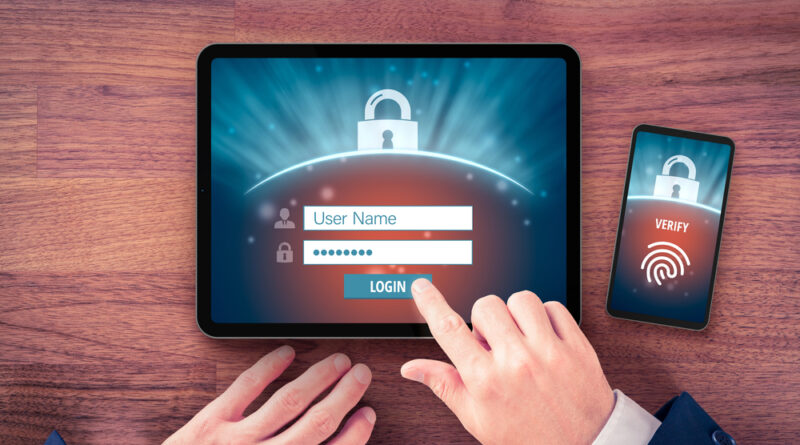
Login is broken, but it does not have to be
Logging in used to feel like a handshake. Today it feels like airport security on a bad day. Captchas that fail, one time codes that arrive late, cookies that forget you, and surprise biometric prompts that appear on one device but not another. The result is a daily tax on attention that helps no one. Security is not the villain here. Poor design is.
The friction is real
Sign in is one of the most common actions on the internet. When it becomes a maze, the cost multiplies across every app and every user. Password managers reduce the pain, but they add another control panel to manage. Magic links skip passwords, but they force a context switch to email. Two factor codes add safety, but the SMS channel is fragile and slow. None of this is news to users who just want to get on with their day.
Zero trust went mainstream, the UX did not
Modern systems assume nothing. That is the right security stance. The problem is how that stance is expressed. Many products treat every login as a border crossing, rather than a checkpoint on a known route. Risk signals exist, such as device posture, network reputation, past behaviour, and geolocation. Too few teams use them to lower the burden for low risk sessions. The result is blanket friction that punishes everyone, including the people you most need to keep.
The extravagant lie of “Remember me”
The checkbox rarely delivers what it promises. Remember me usually means a cookie with an expiry date, not a permanent pass. Clear your cache, upgrade your browser, or trigger a silent policy change, and you are back to square one. Add privacy settings and regulatory limits on storage duration, and the feature degrades further. Users do not care about the plumbing. They want continuity. Product teams need to design for it.
Passkeys help, but only if implemented well
Passkeys remove passwords from the equation, which is progress. They are resistant to phishing and reuse. They are also new in many environments. Sync across devices can be confusing. Recovery is still maturing. Some implementations fall back to passwords and SMS, which brings old weaknesses back into play. Passkeys should be device bound where possible, with clear recovery paths that do not become backdoors.
The better path, secure by design and humane in practice
There is no single fix. There is a set of choices that cut friction without cutting safety.
-
Keep users signed in, then re check only for sensitive actions. Use step up authentication for payments, profile changes, and recovery, not for every page view.
-
Make second factors fast and local. Prefer authenticator apps and hardware keys over SMS. Support device based prompts that work offline when possible.
-
Use risk based policies. If the device, network, and behaviour match history, let the user pass with minimal ceremony. Escalate only when the signal changes.
-
Treat recovery like a product, not an afterthought. Build clear flows that do not rely on static master codes, secret emails, or support side backdoors. Recovery should be possible, auditable, and revocable.
-
Stop breaking sessions by surprise. Communicate session lifetimes. Warn before invalidating tokens. Provide one click re authentication when a forced sign out is necessary.
-
Kill captchas where you can. Modern bot defences can be passive. If you must challenge, do it sparingly, and never on every login attempt.
-
Publish a login status page. If there is an outage with identity, own it. Tell users what to expect and when it will settle.
-
Measure friction as a first class metric. Track failed logins, resend rates, time to access, and rage clicks. Put these numbers on the same dashboard as attack rates.
What users can do today
There are steps that reduce pain while raising the bar for attackers.
-
Use a reputable password manager, then let it generate and store unique passwords.
-
Prefer app based codes or security keys over SMS. Reserve SMS for recovery only.
-
Enrol passkeys where available and keep a secure backup device.
-
Review connected apps and sessions. Remove what you no longer use.
-
Set a calendar reminder to update recovery info. Old numbers and dead inboxes turn a lockout into a disaster.
My take
Security leaders like to say that the safest door is the one that stays closed. That is true for vaults, not for services that people need to use. A good login is invisible most of the time, then politely demanding at the exact moments that matter. It remembers you when it can. It proves you when it must. It never shifts the burden of poor design onto the person who pays the bills.
We have the tools. We have the patterns. What we lack is discipline. Build recovery that does not leak. Keep sessions stable. Challenge with purpose, not habit. If the industry does that, logging in will stop feeling like a punishment and start feeling like what it should be, a simple, safe hello.
Photo Credit: DepositPhotos.com